Always confirm a saved edit after a reload, and use Delete only when the listing is no longer needed.
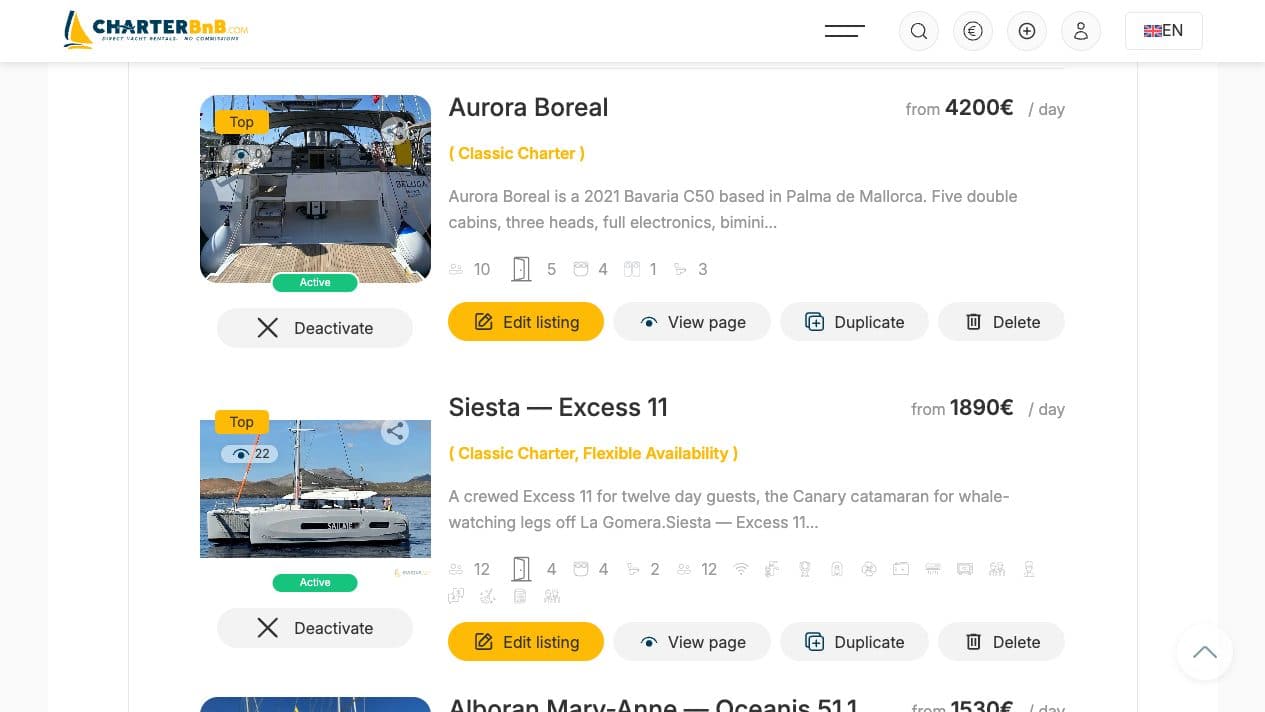
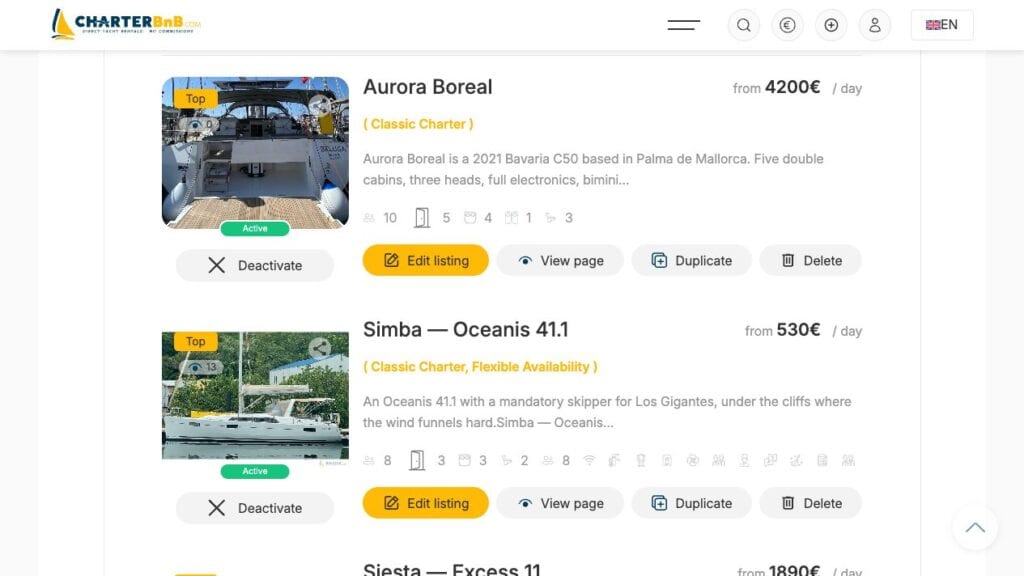
- Step 1. Open Profile and find the yacht under My Listings.
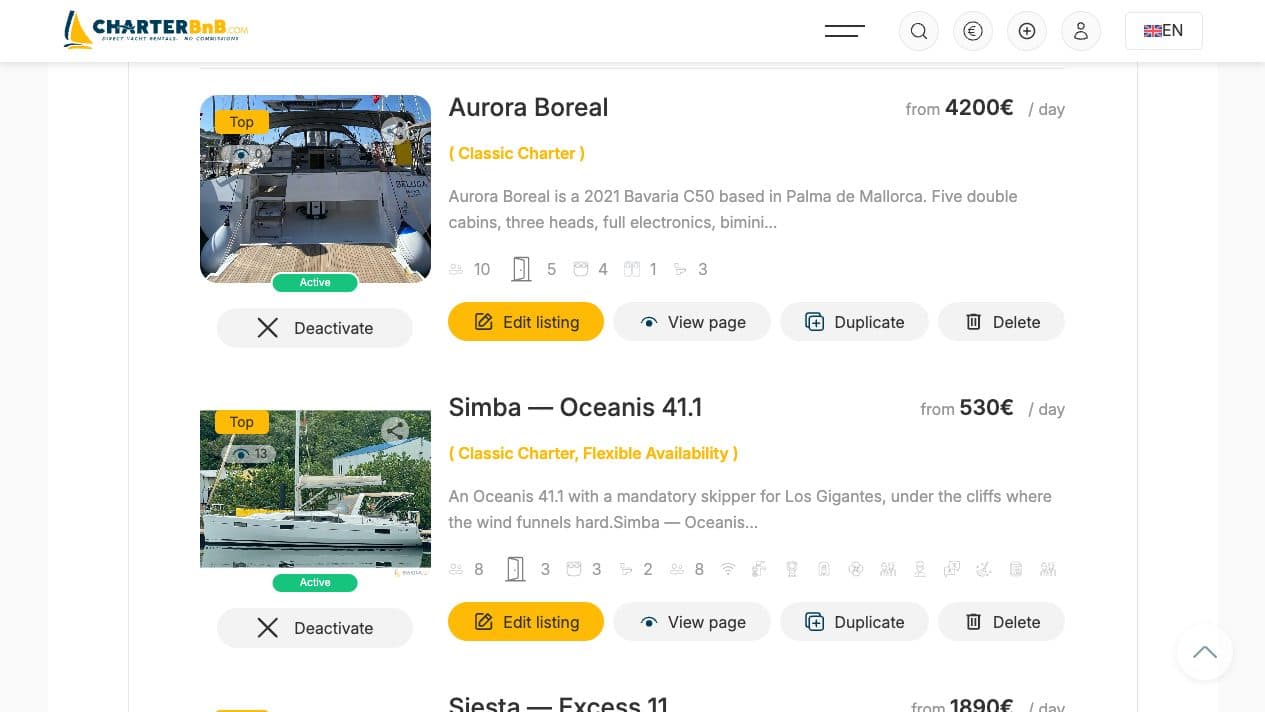
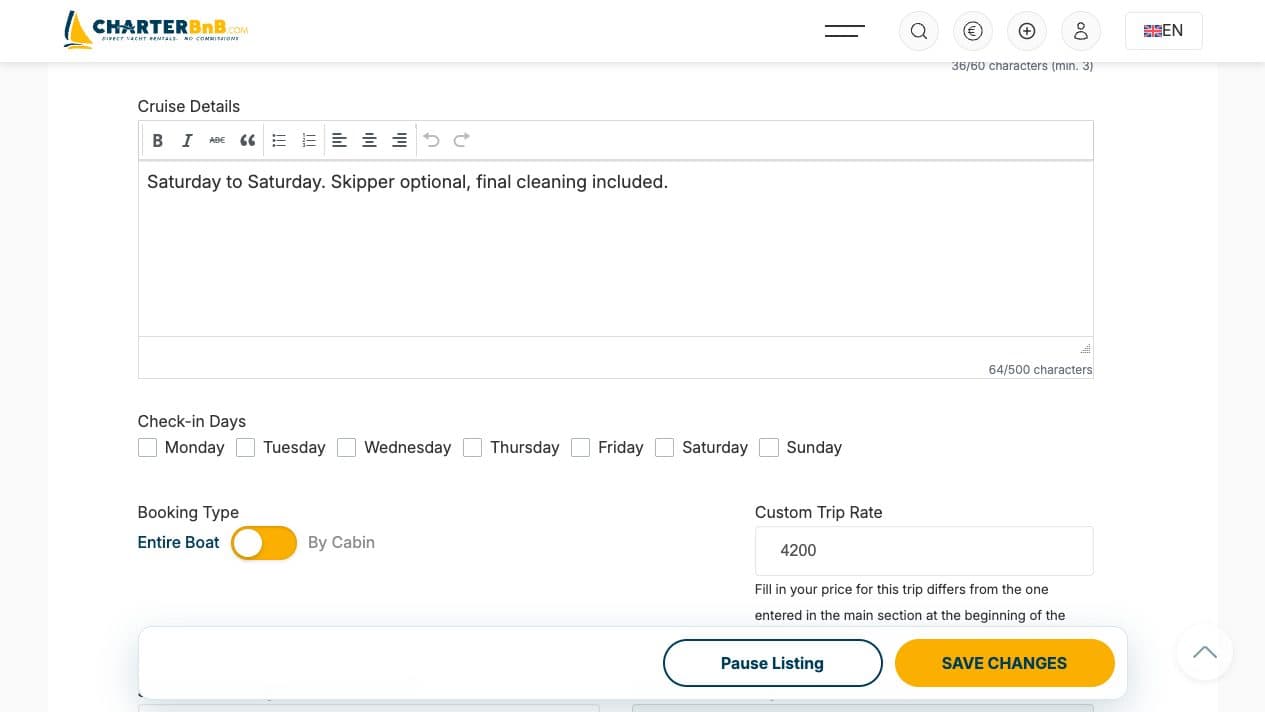
- Step 2. Choose Edit, change the required fields and submit the form.
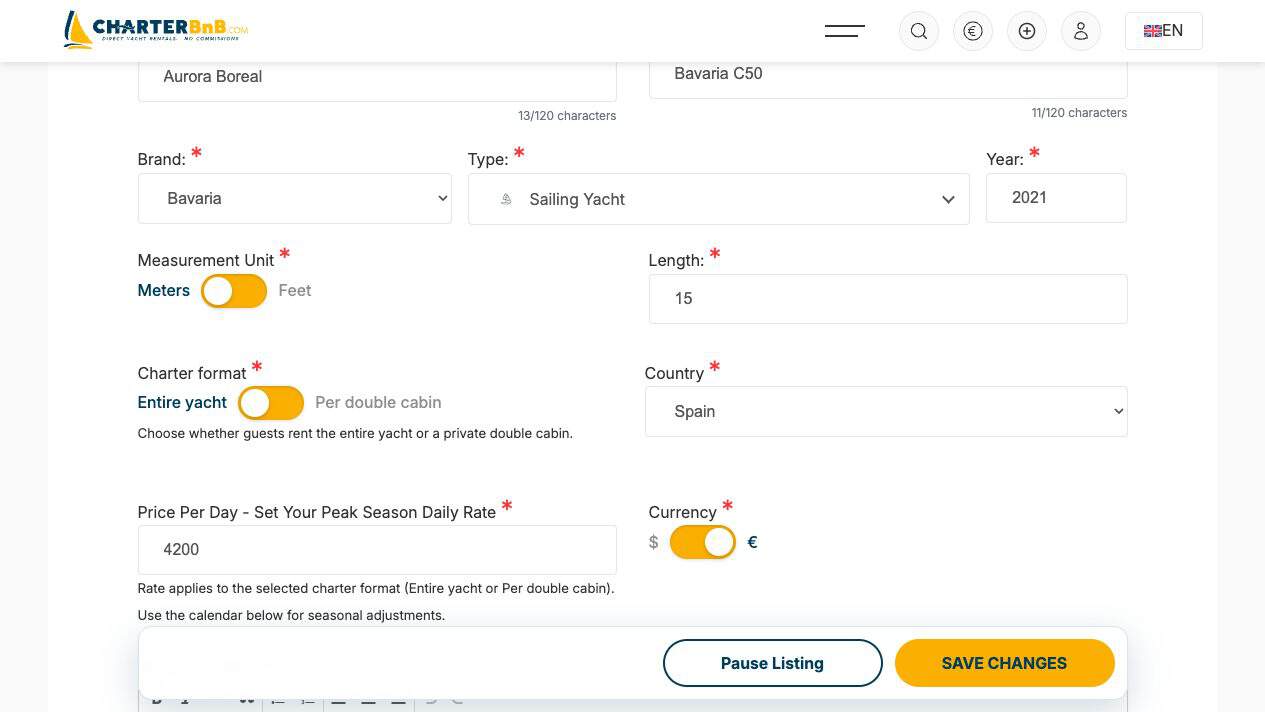
- Step 3. Reopen the edit form and public page to confirm the new values persisted.
- Step 4. To remove the listing, choose Del/Delete on its profile card and confirm only after checking the yacht name.
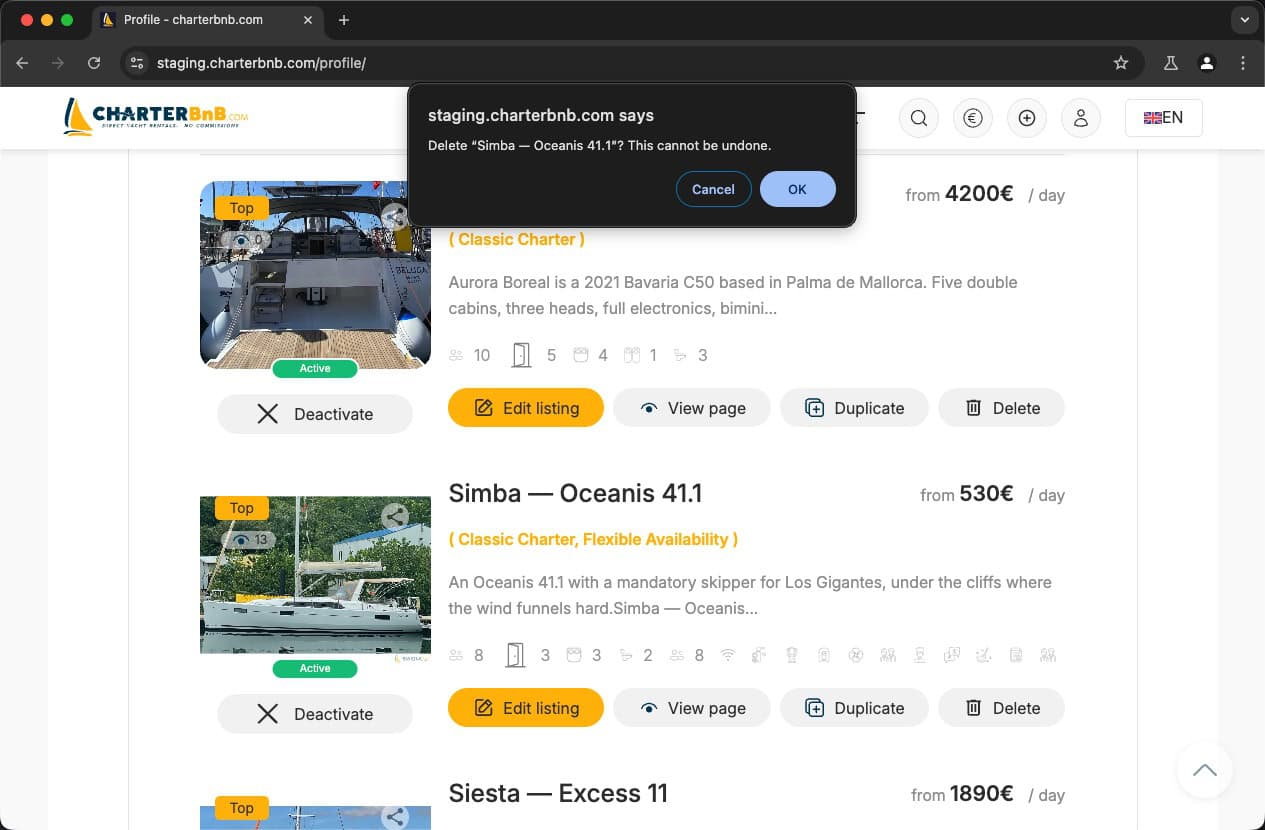
- Step 5. Reload Profile and confirm the deleted listing no longer appears.