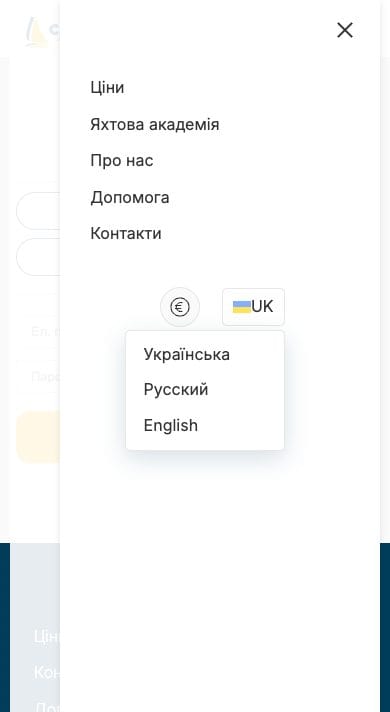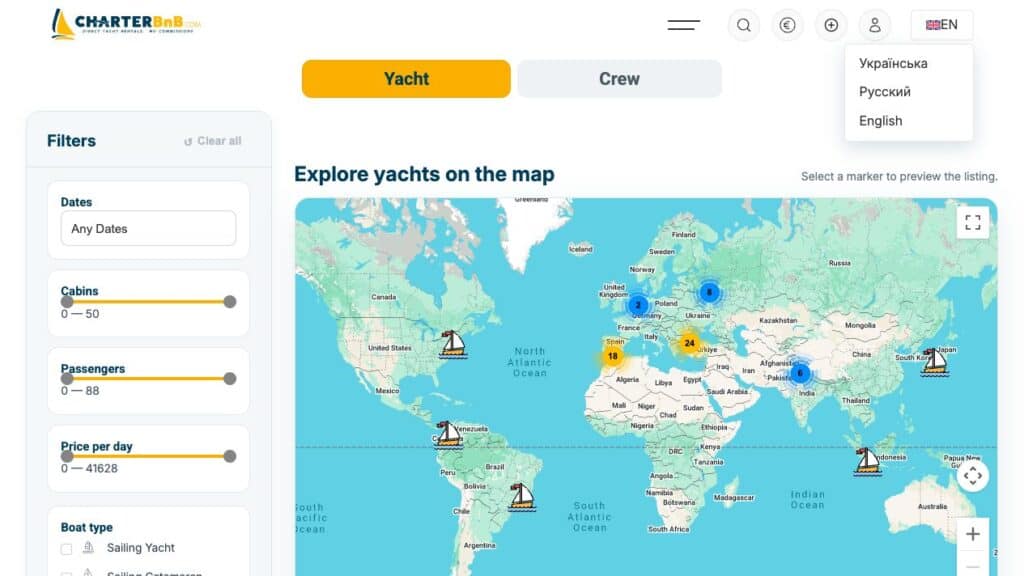
The header language switcher opens the WPML translations of the current page.
- Step 1. Open the language control in the site header.
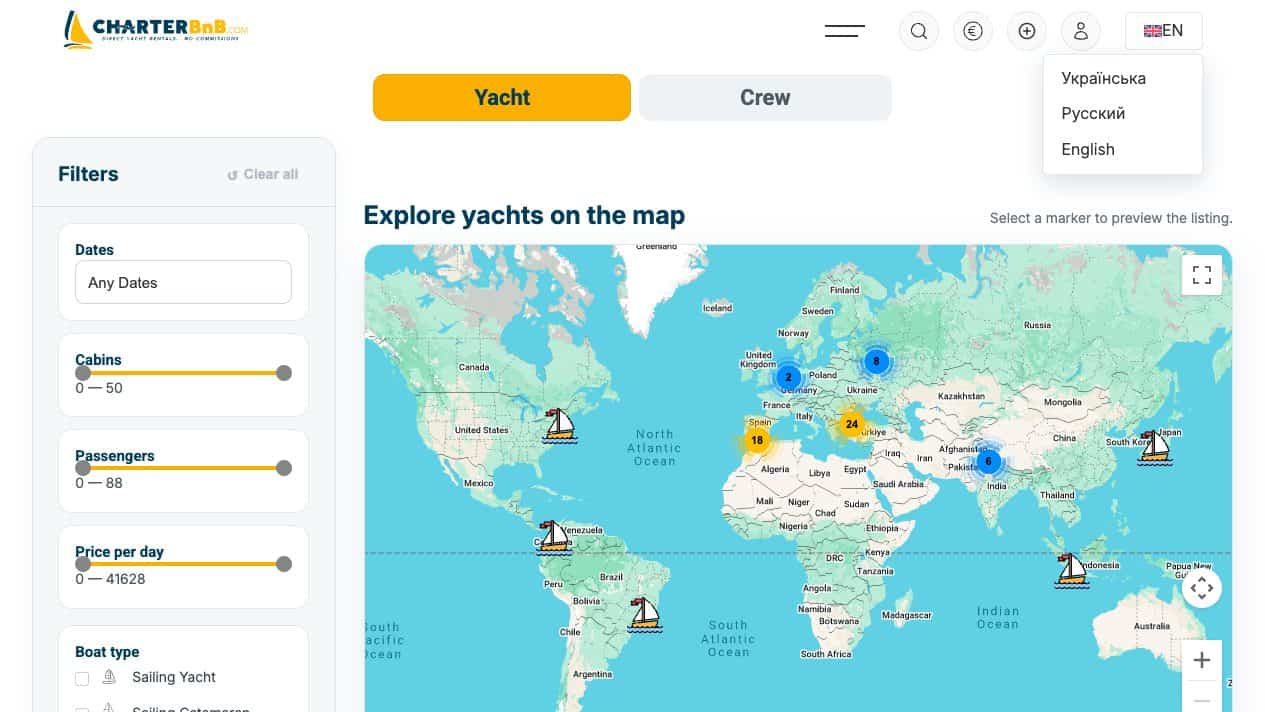
- Step 2. Choose EN, RU or UK.
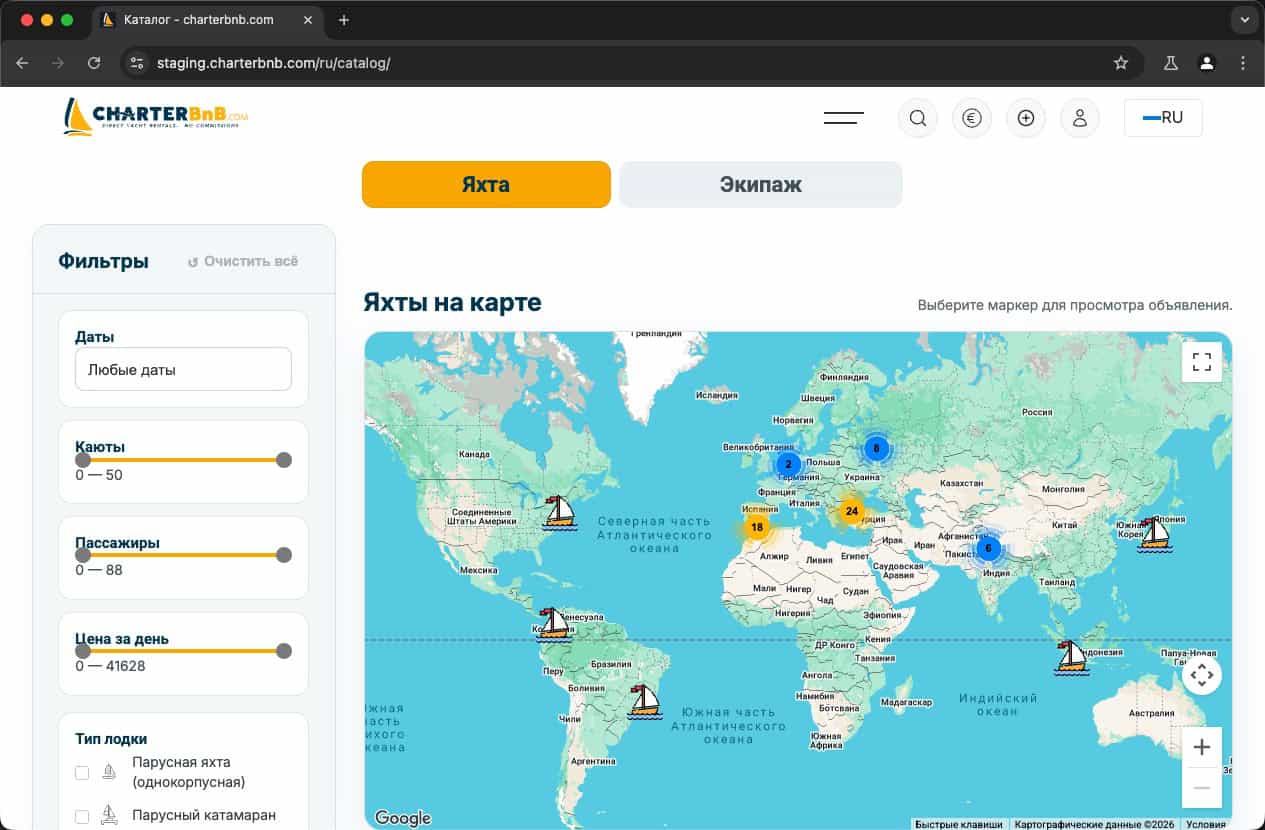
- Step 3. Confirm the URL prefix and the page navigation change to the selected language.
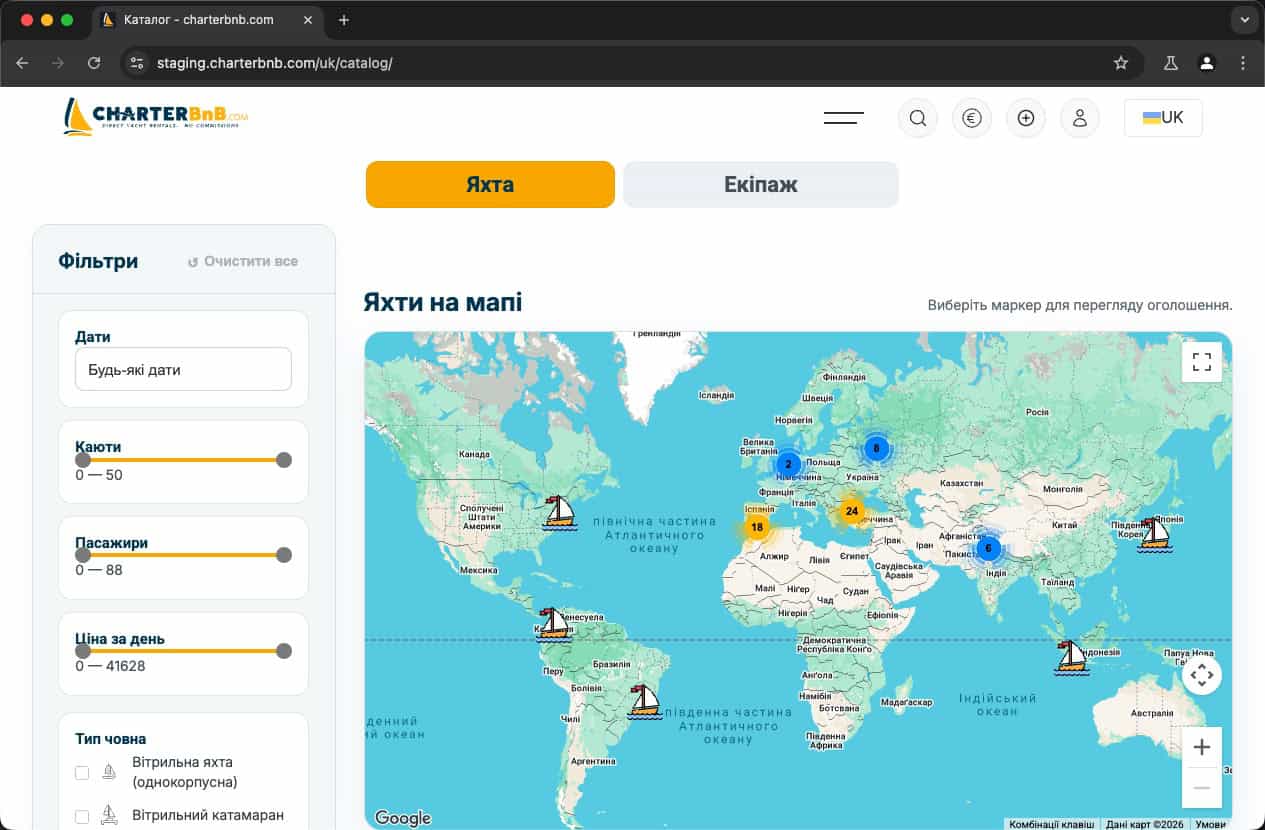
- Step 4. Reload the page and verify the language remains selected.
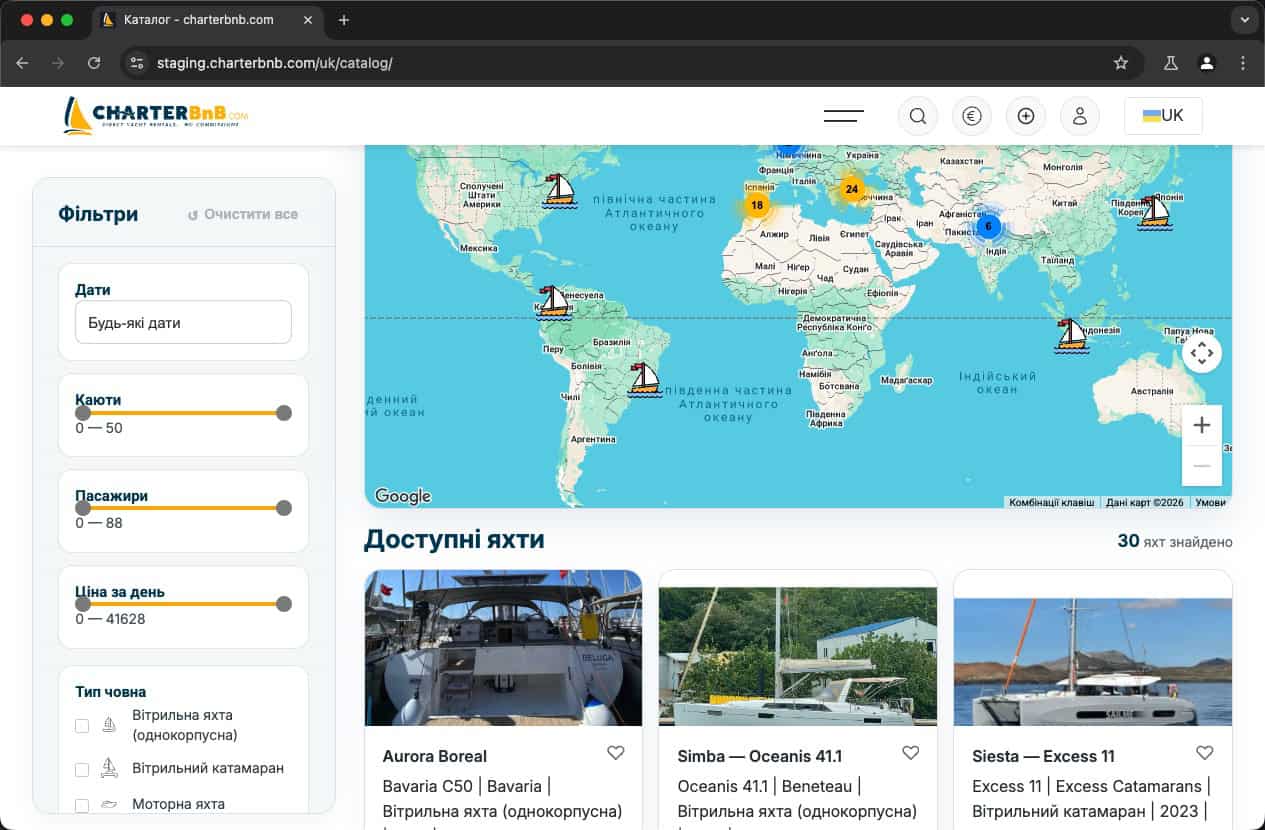
- Step 5. Repeat on mobile and on a form page before entering data.