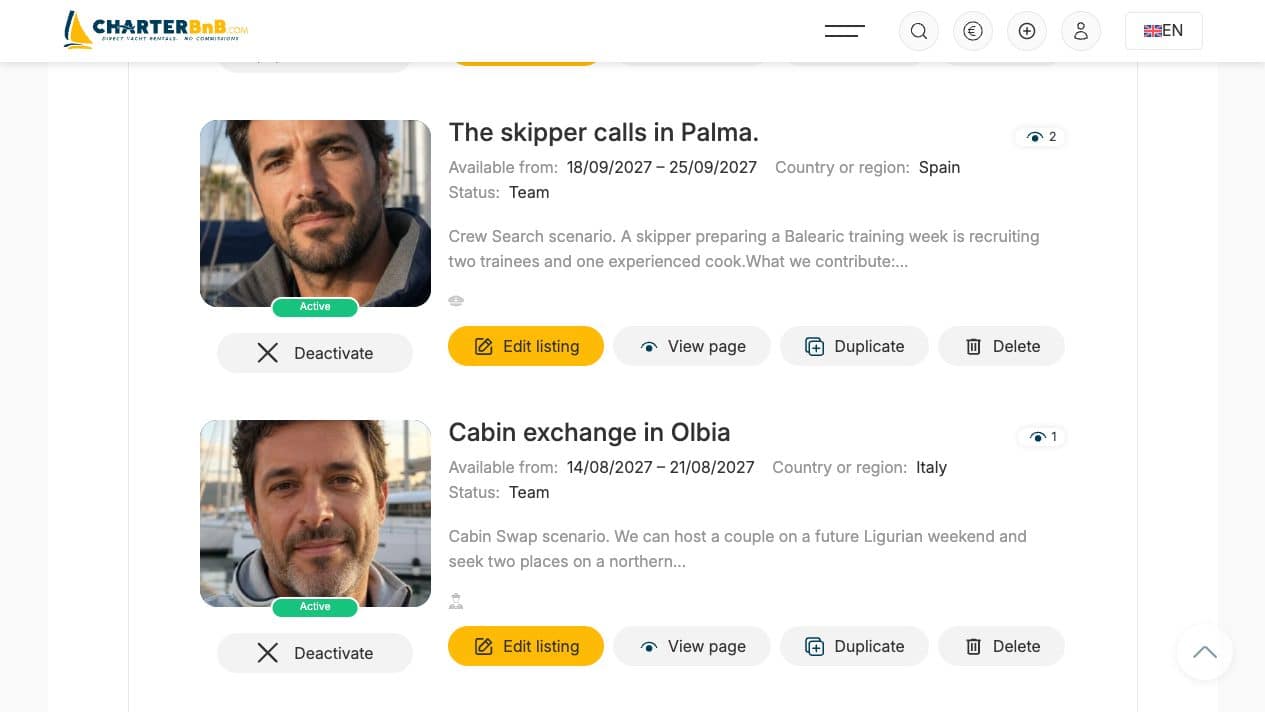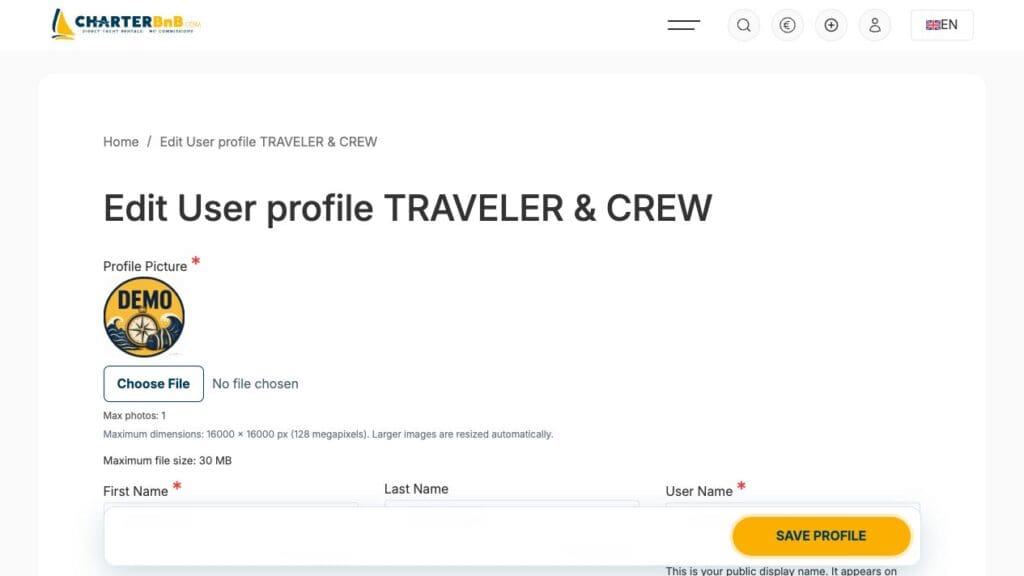
Use the Traveler & Crew form to describe your dates, destination, group and preferred role on board.
- Step 1. Create a Traveler & Crew account and complete every required profile field.
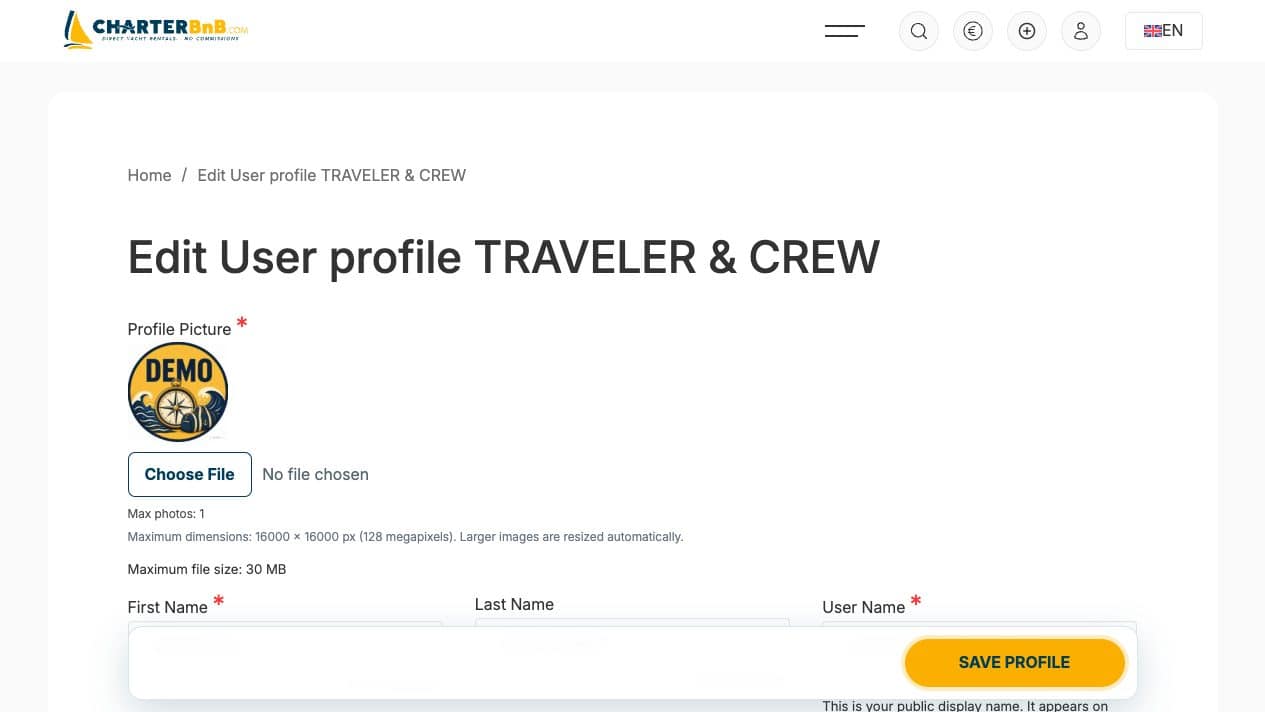
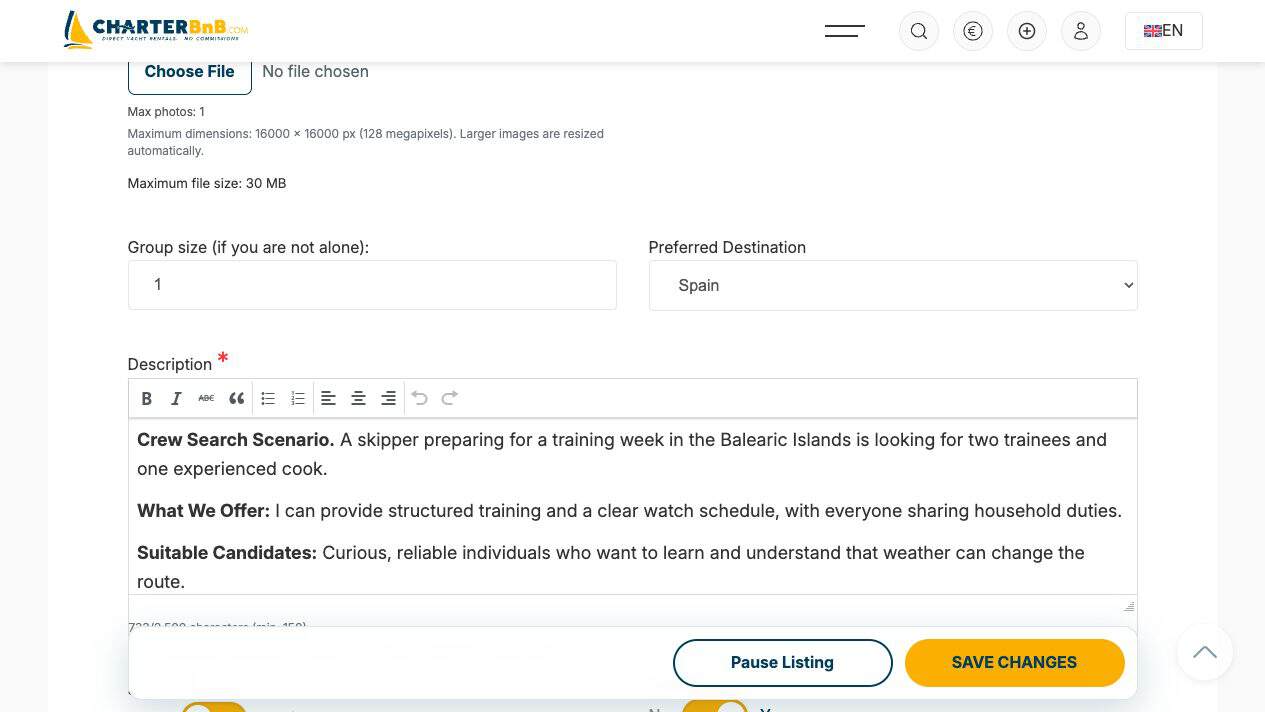
- Step 2. Open Create a new listing, choose the dates and upload one clear thumbnail.
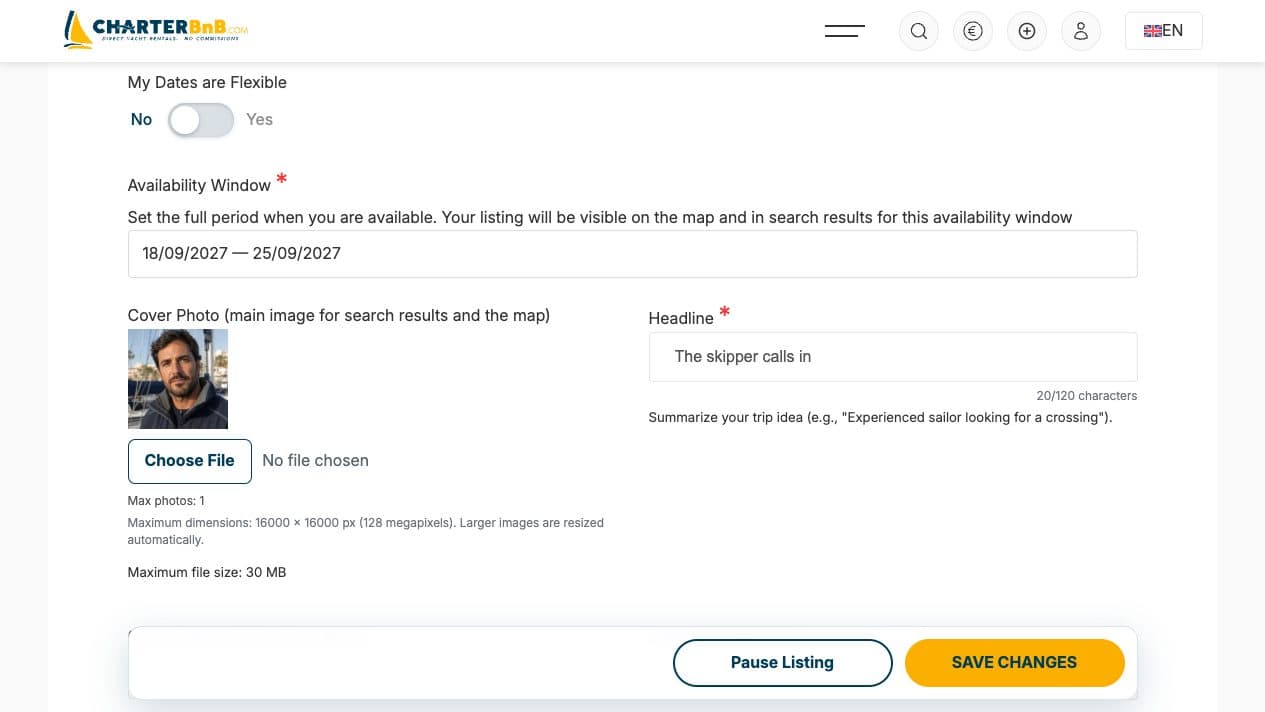
- Step 3. Add a short headline, destination, group size and a description of at least 150 characters.
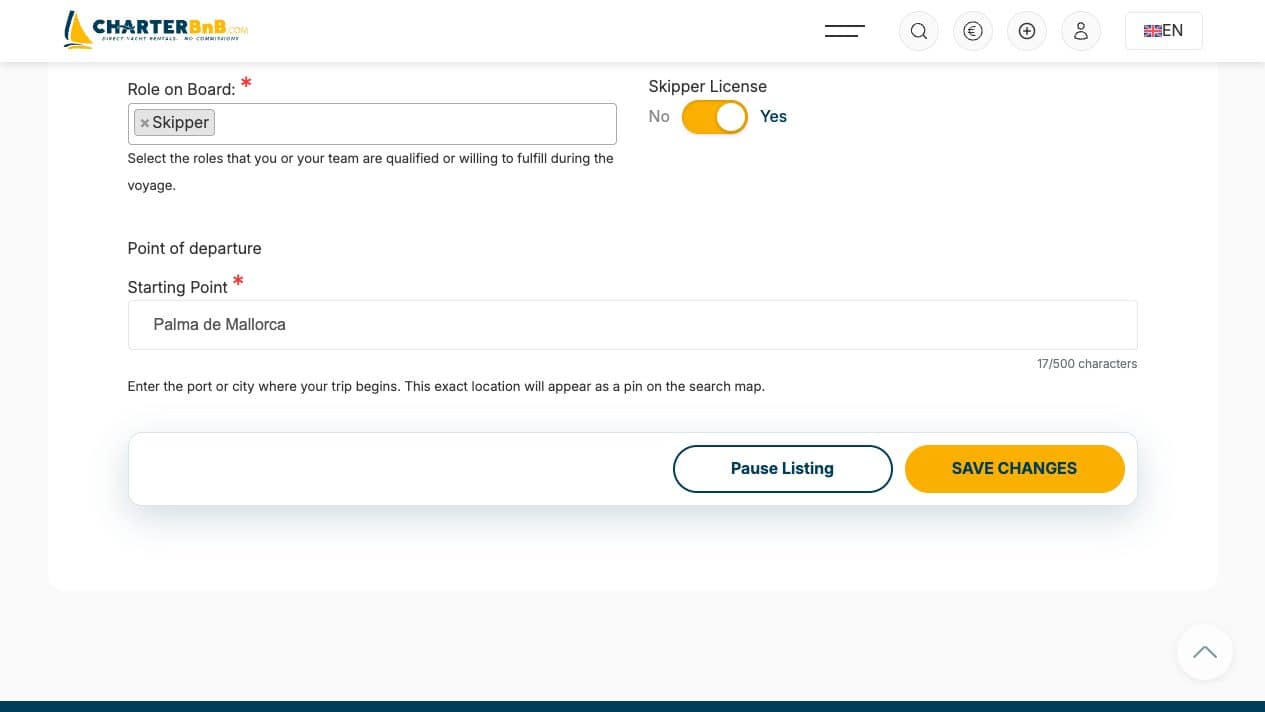
- Step 4. Select your role on board, payment preference and an exact departure point from the map suggestions.
- Step 5. Publish the request, then confirm it appears in My Listings after a reload.