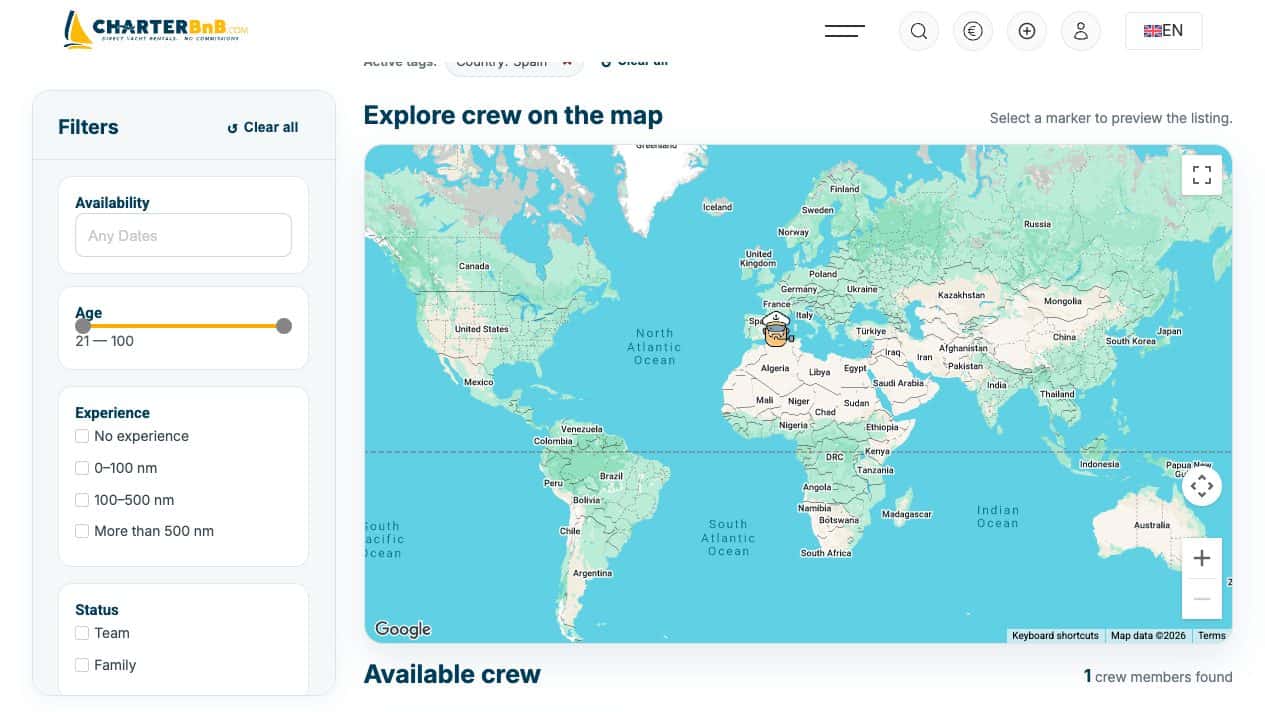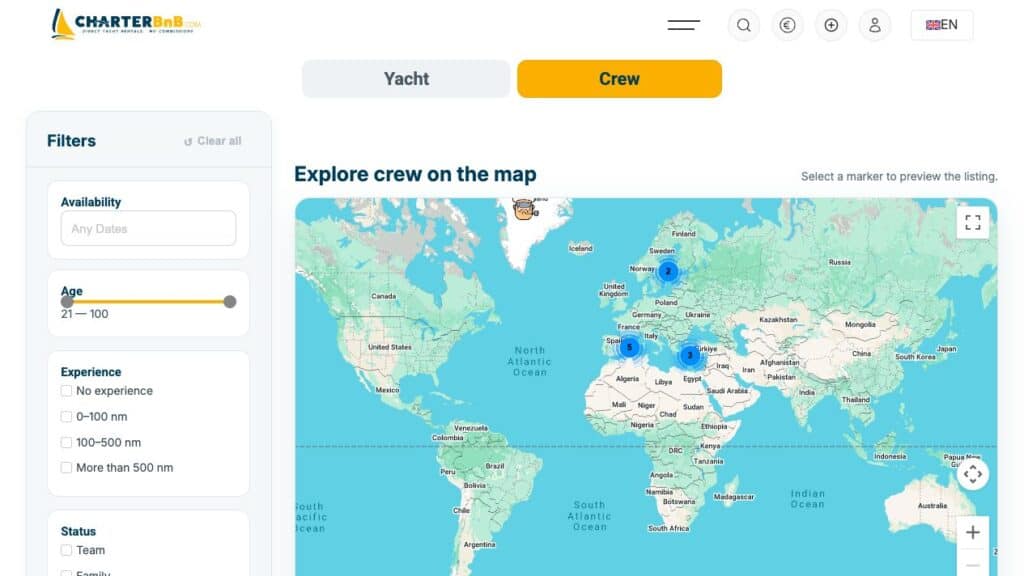
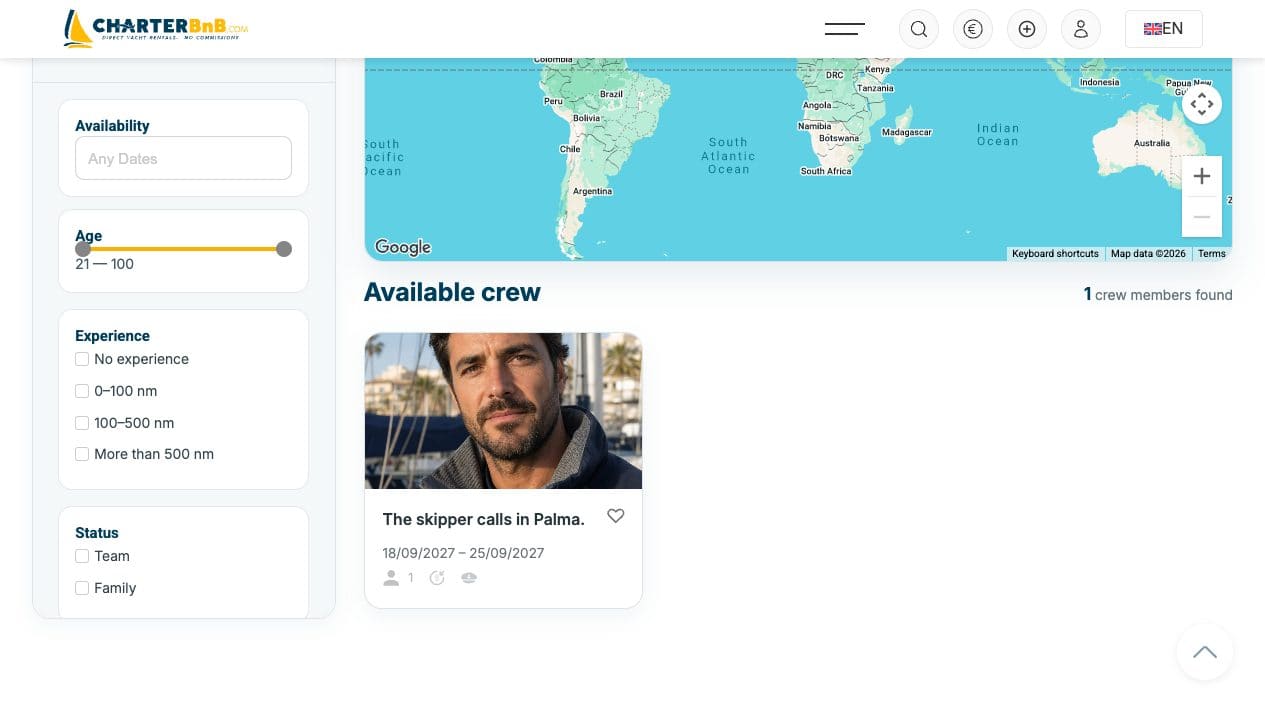
The Crew tab keeps crew profiles, filters, result cards and map markers in one search flow.
- Step 1. Open Search available boats and switch from Yacht to the Crew tab.
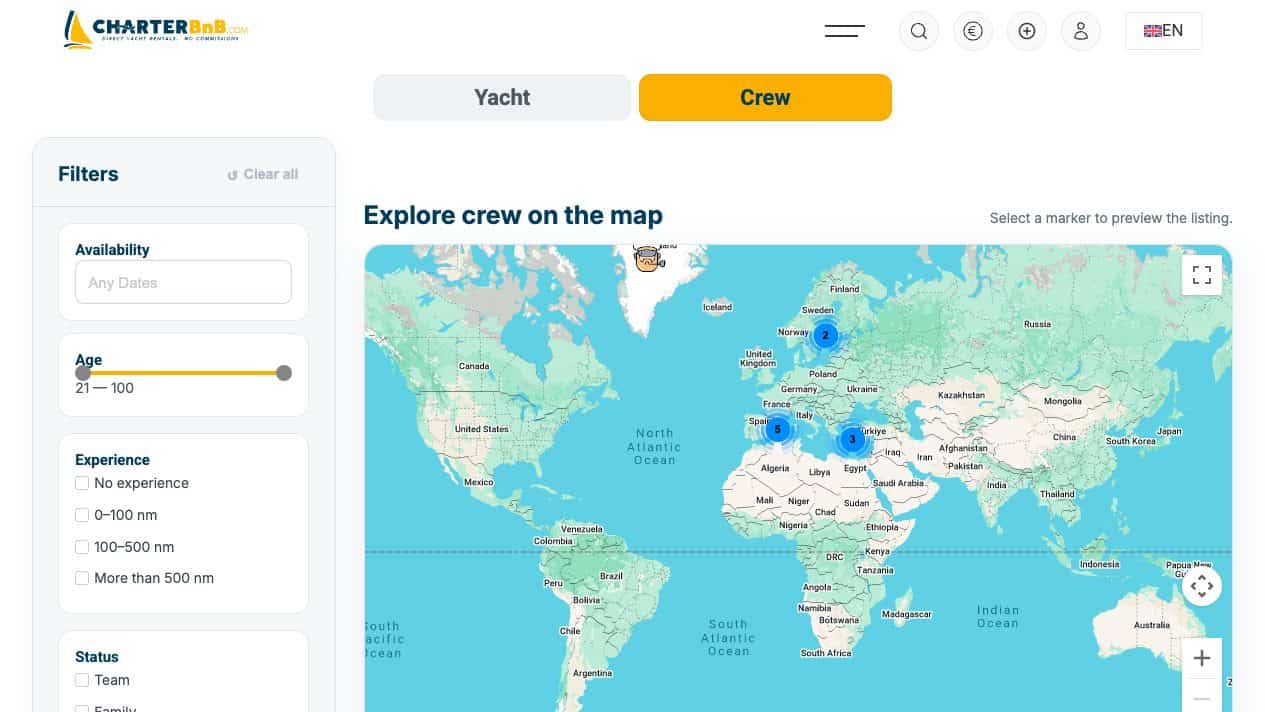
- Step 2. Use dates, experience and destination, then pick the role you need in the qualifications filter — Skipper, Sailor, Cook or Engineer — depending on whether you are after crew or help on board.
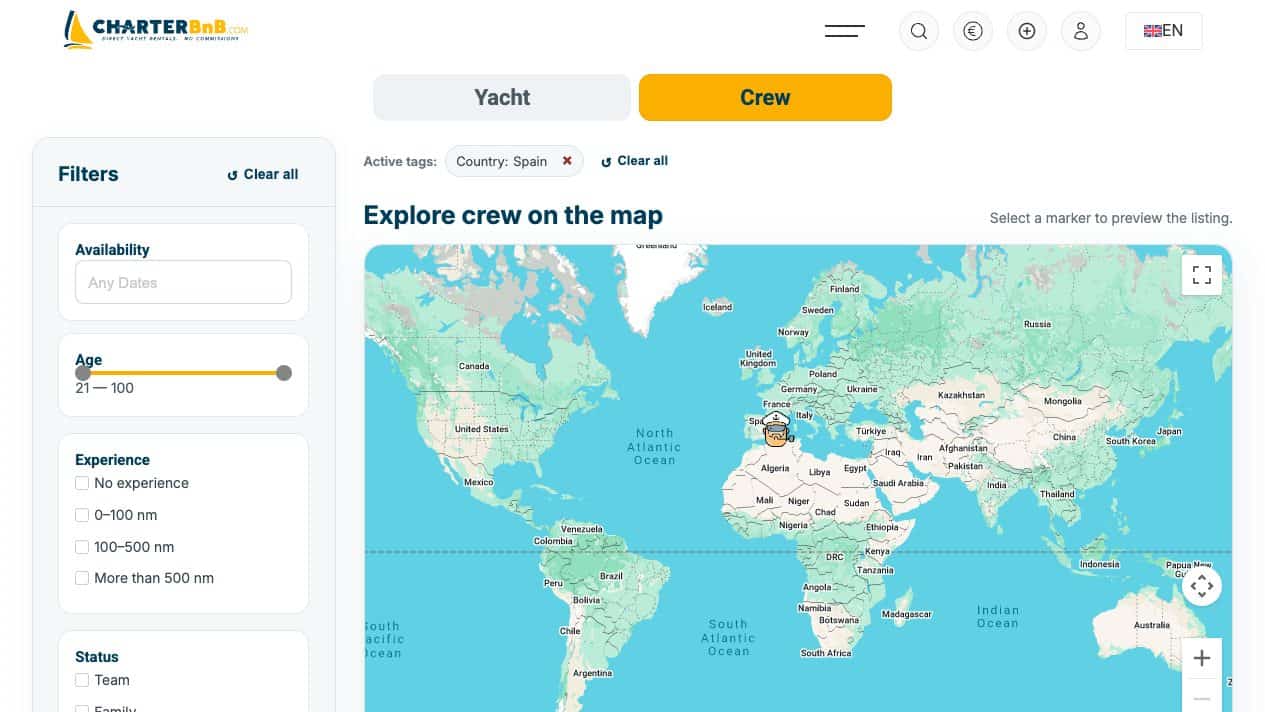
- Step 3. Compare the result count, crew cards and map markers.
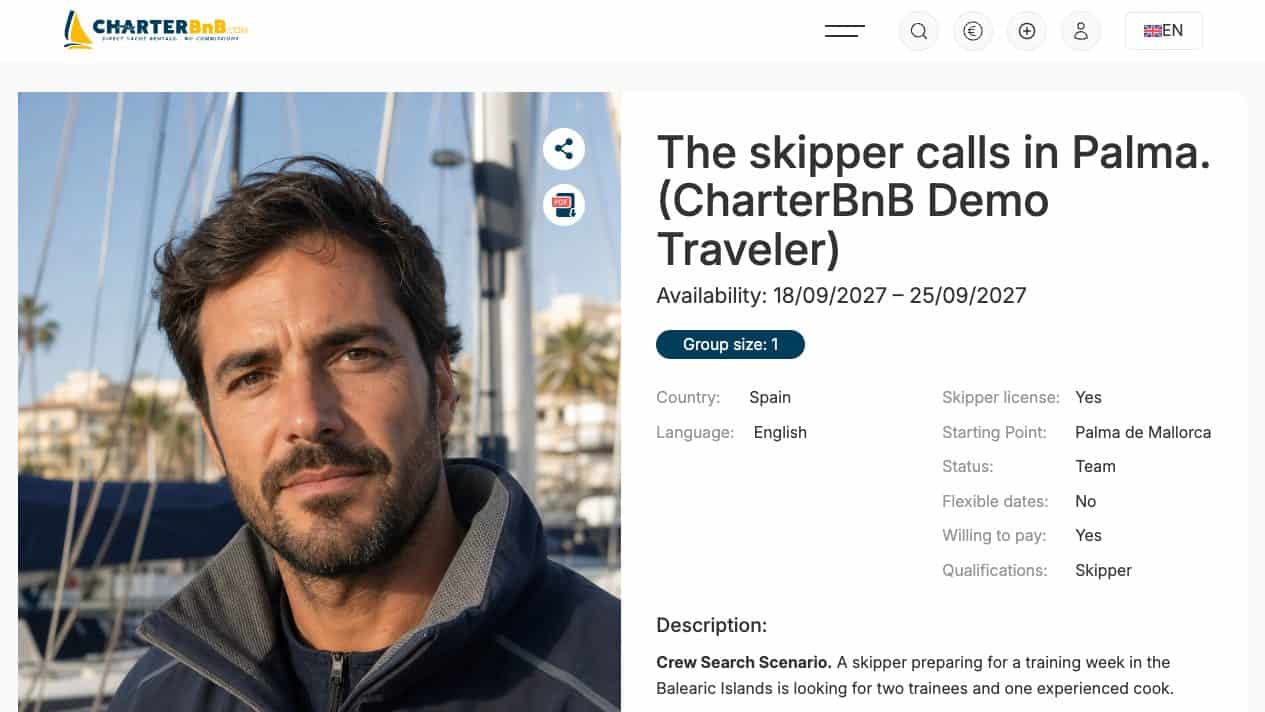
- Step 4. Open a candidate to review languages, experience, availability and payment preference.
- Step 5. Clear filters before starting a different search.