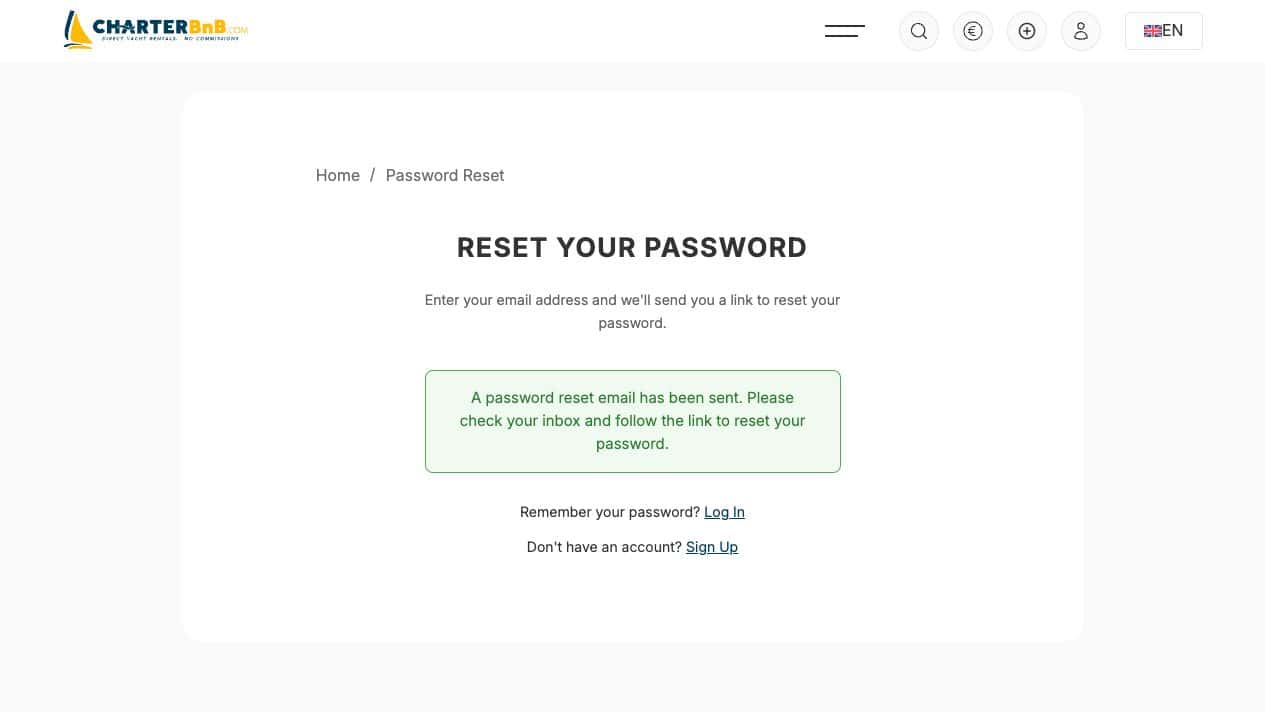
The reset form intentionally gives a generic success message and sends the private link by email.
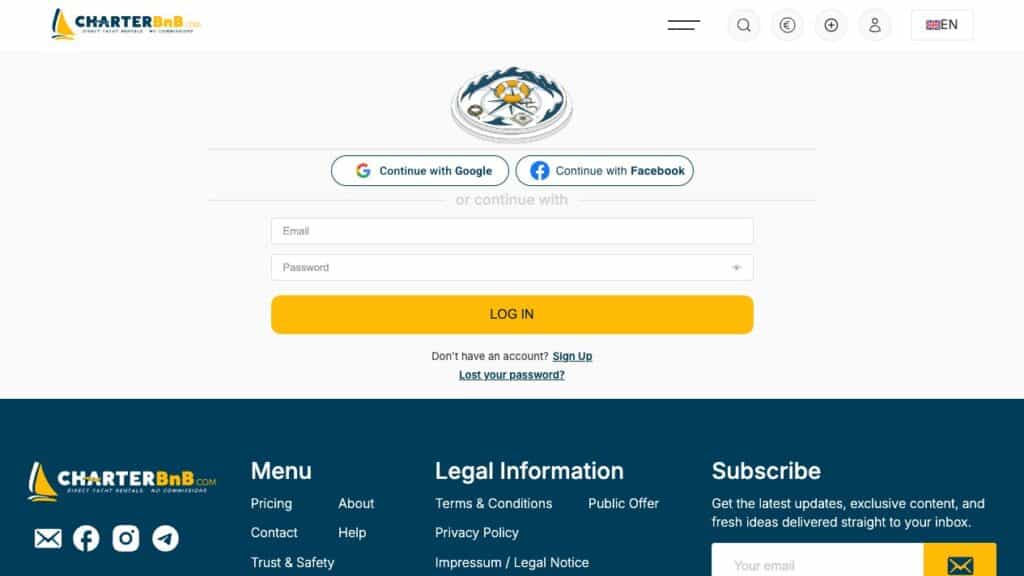
- Step 1. Open Log In and choose Lost your password?.
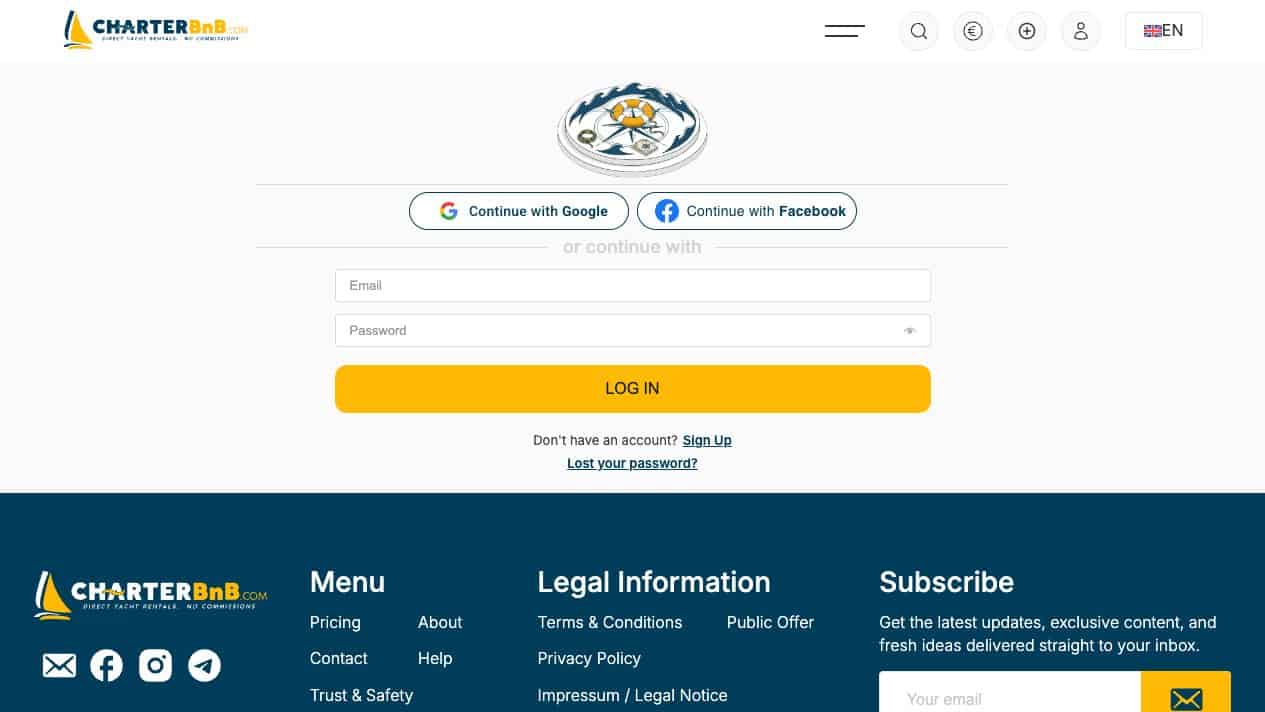
- Step 2. Enter the email address used for the CharterBnB account.
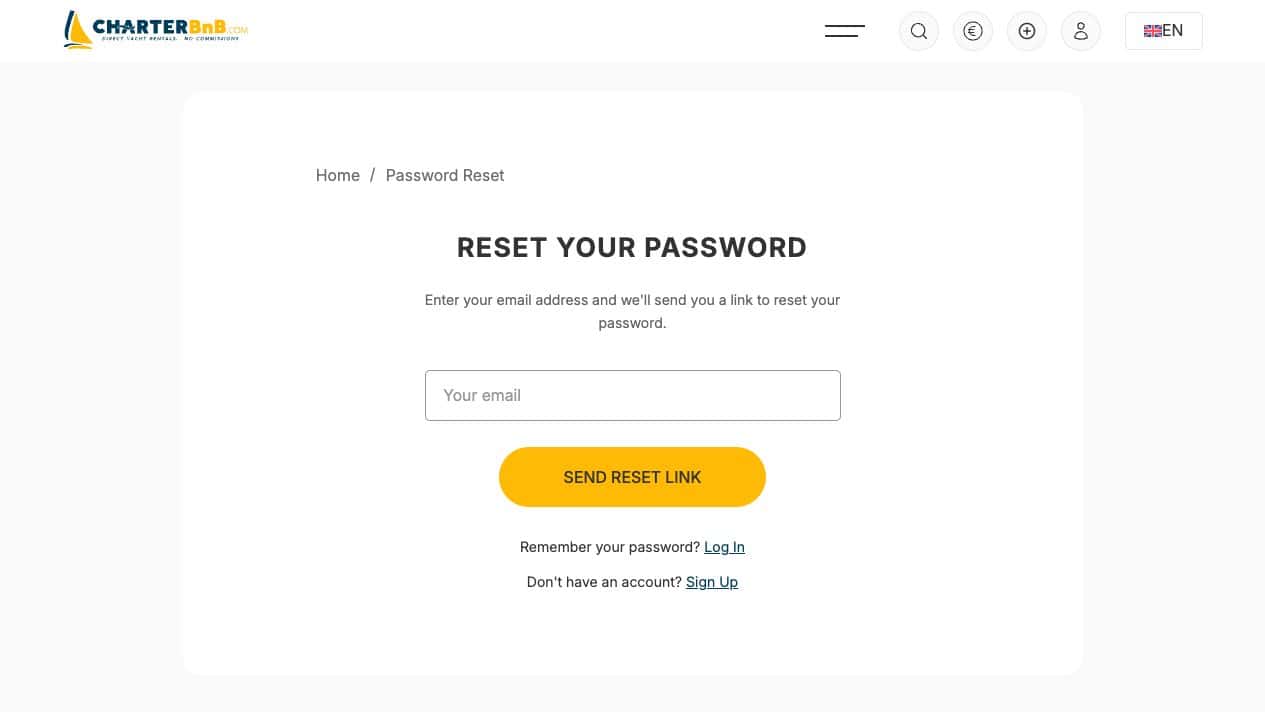
- Step 3. Select Send Reset Link and wait for the confirmation message.
- Step 4. Open the newest CharterBnB email, follow the single-use link and set a new strong password.
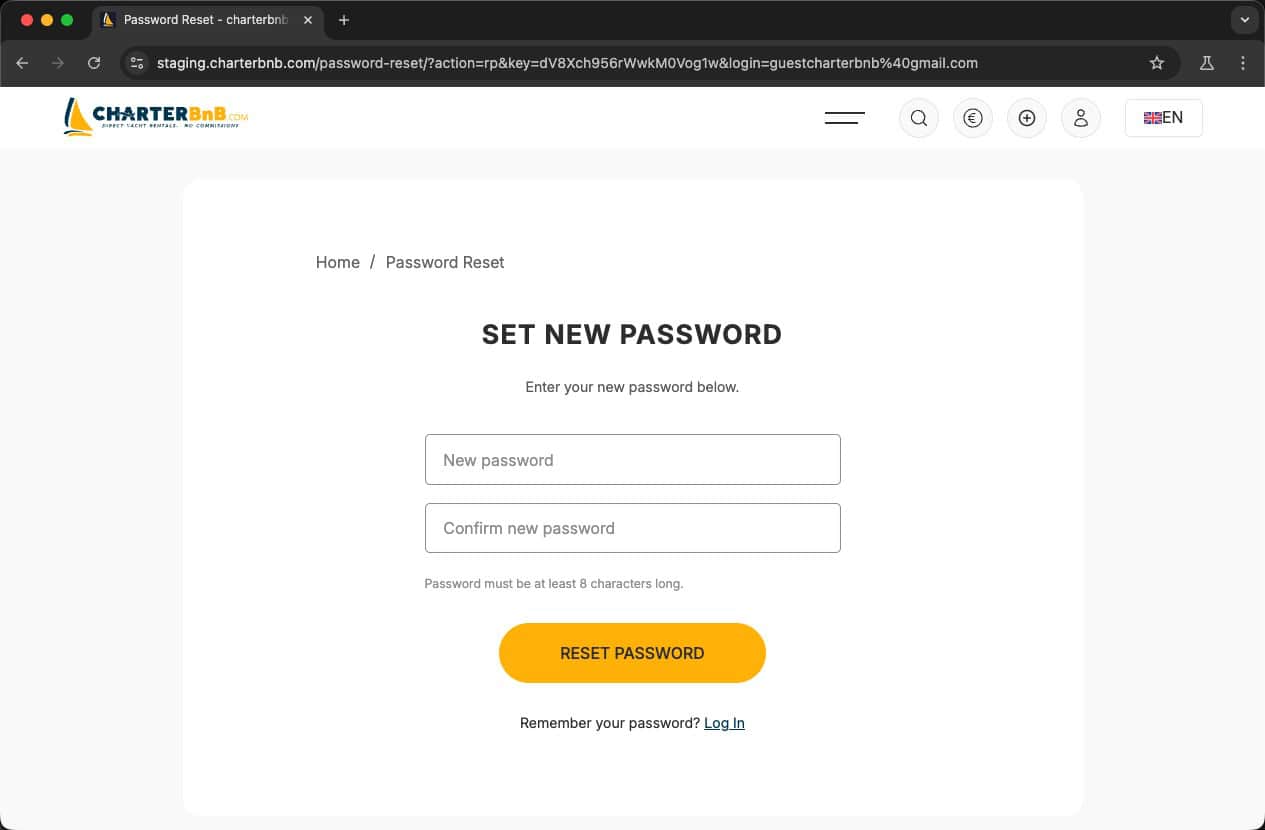
- Step 5. Return to Log In and verify the new password works.