Set up a Business Landing profile

Set up a Business Landing profile

Your public landing page should explain who you are, show the fleet and provide reliable contact details.

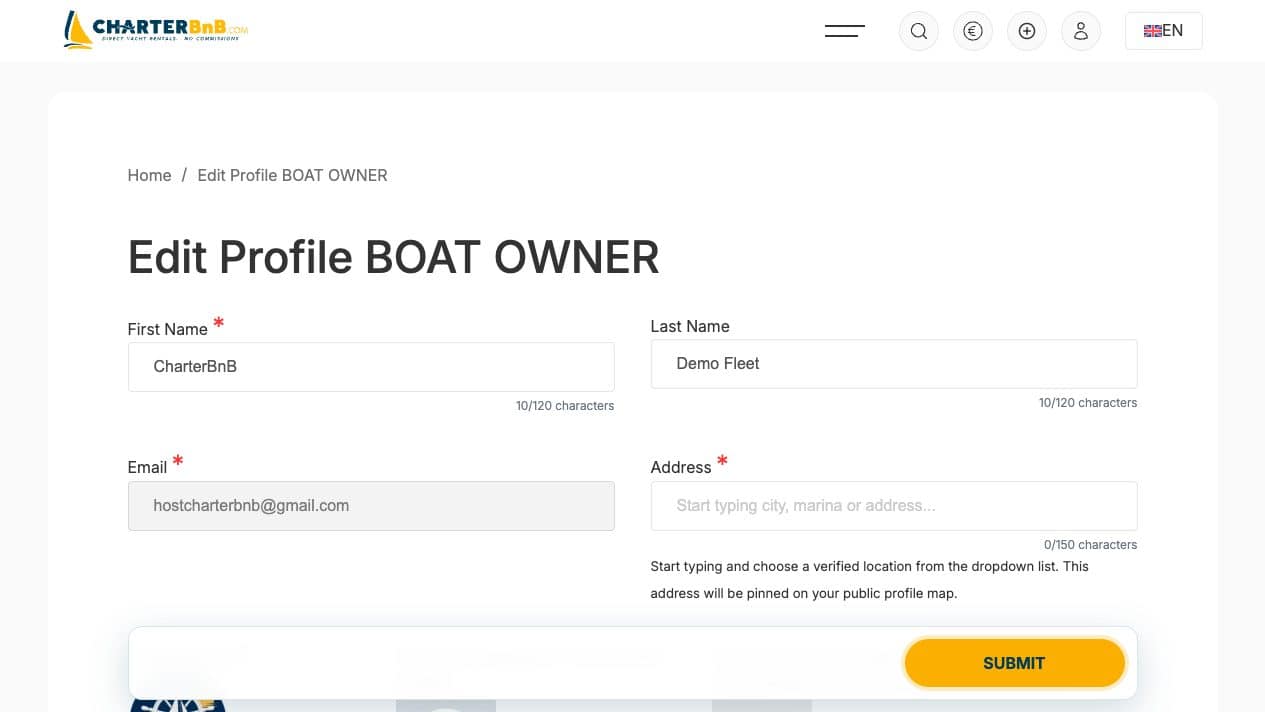
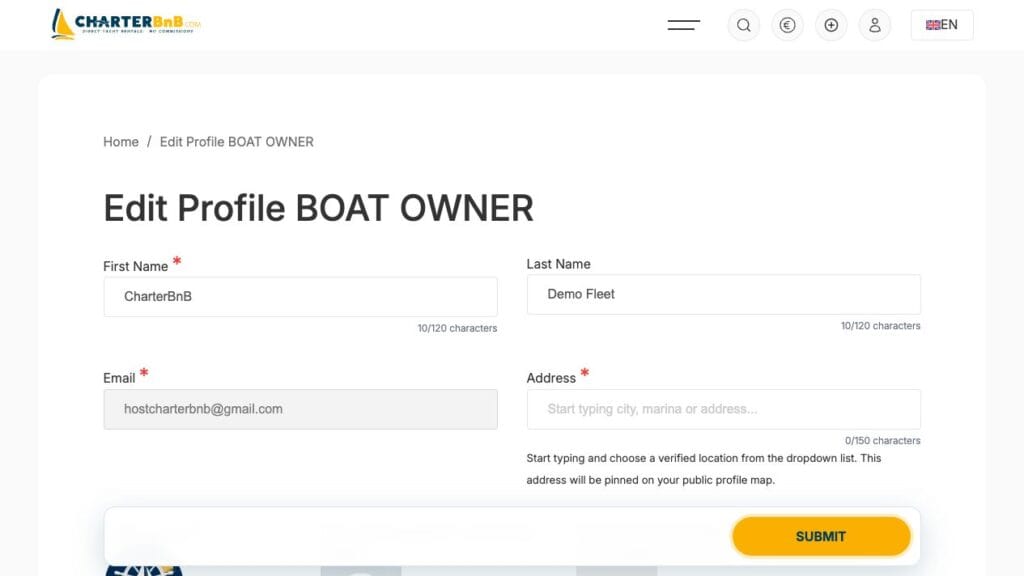
  1. Step 1. Open Edit Profile BOAT OWNER.
CharterBnB Smart Guide staging screenshot
Current interface, captured 2 September 2026.
  1. Step 2. Add the company name, address, profile image, logo and cover image.
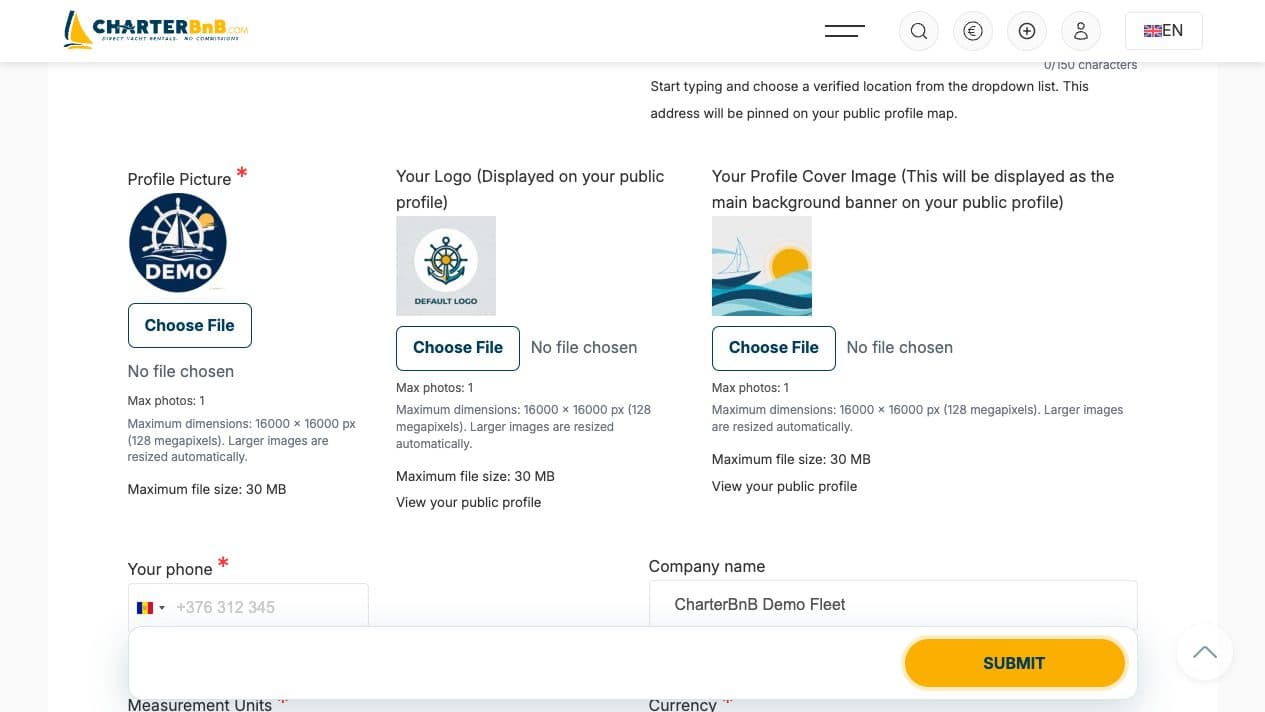
CharterBnB Smart Guide staging screenshot
Current interface, captured 2 September 2026.
  1. Step 3. Write a company story of at least 100 characters and add the supported social links.
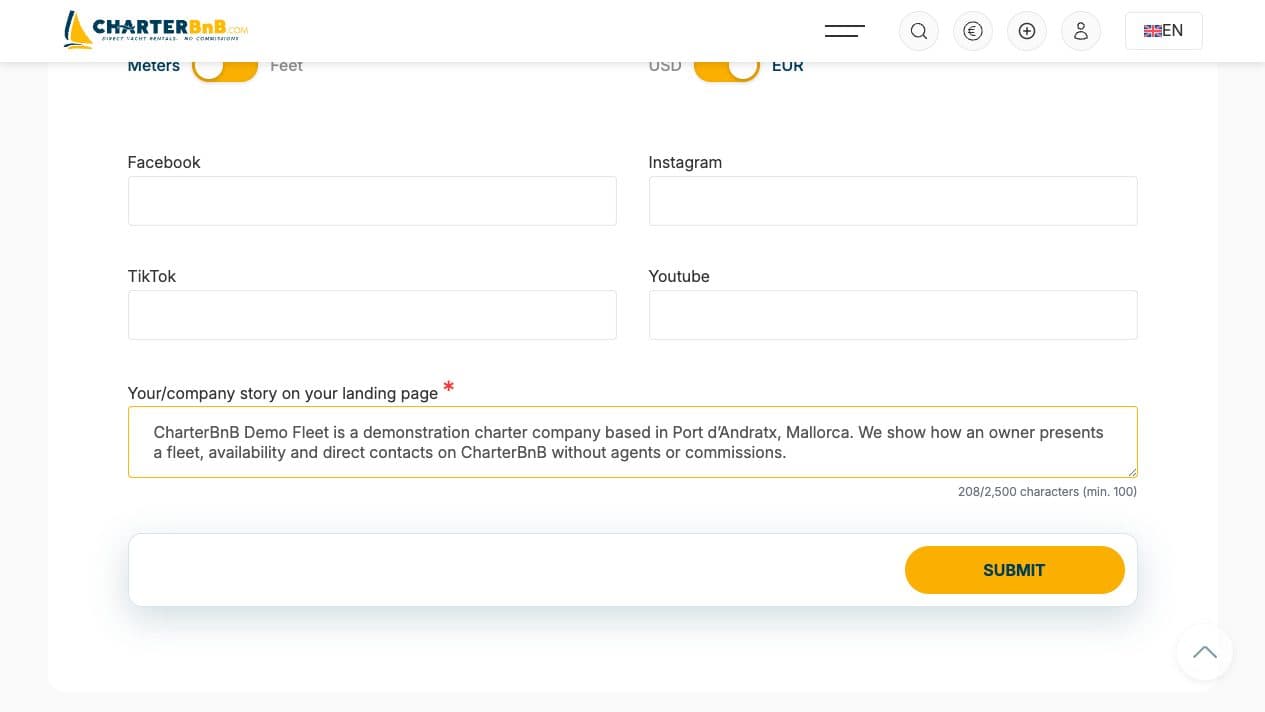
CharterBnB Smart Guide staging screenshot
Current interface, captured 2 September 2026.
  1. Step 4. Submit the profile, reload the edit form and confirm the values persisted.
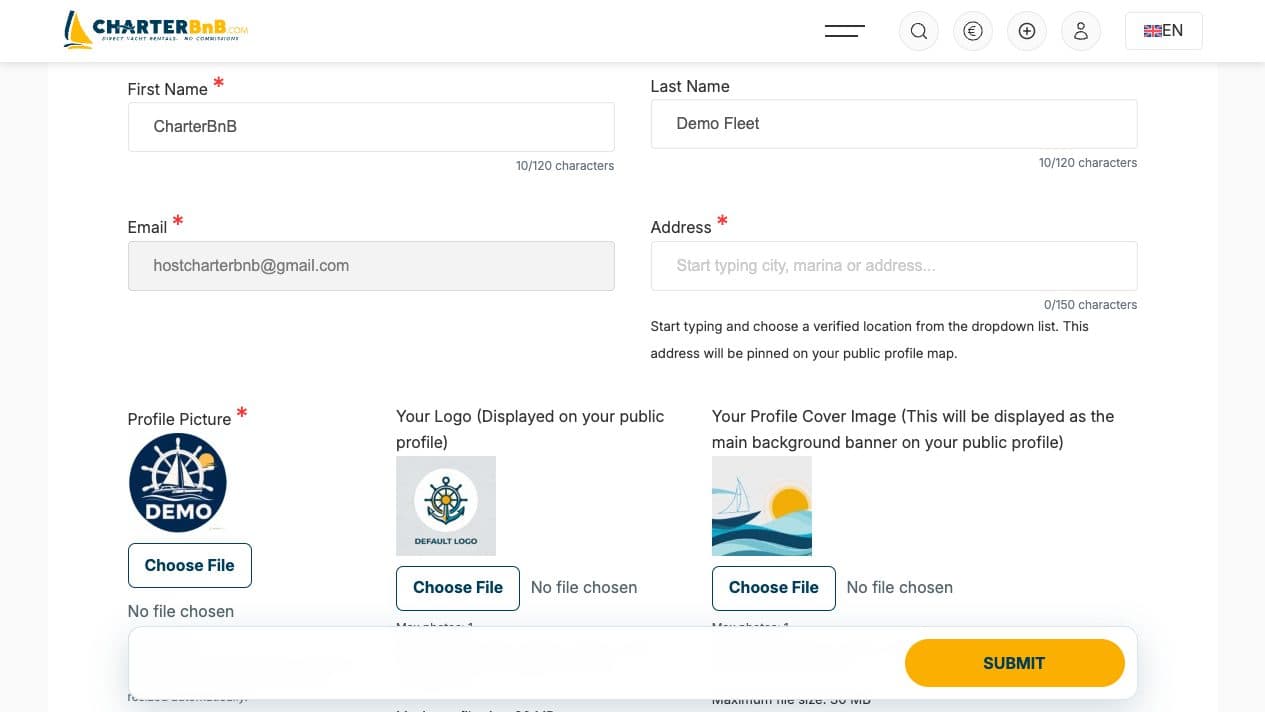
CharterBnB Smart Guide staging screenshot
Current interface, captured 2 September 2026.
  1. Step 5. Open View your public profile and verify the cover, Our Fleet, Logbook, map and Contacts sections.
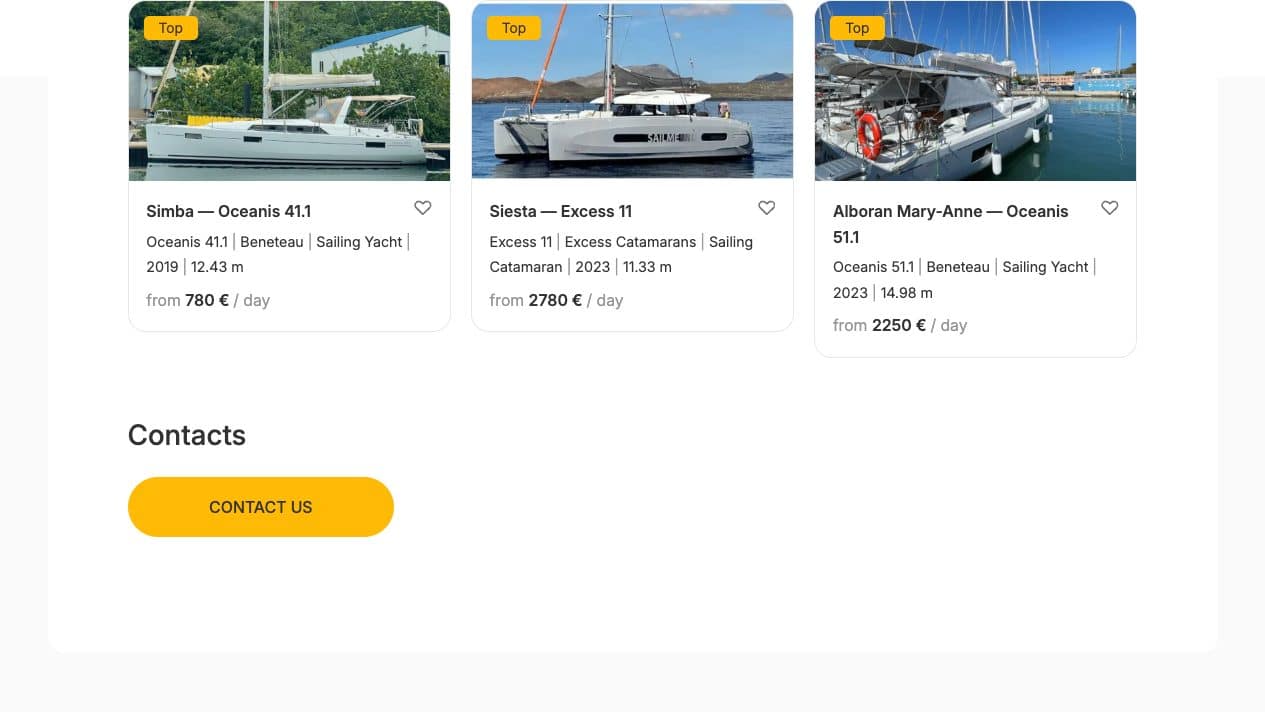
CharterBnB Smart Guide staging screenshot
Current interface, captured 2 September 2026.
Back to Help
© 2024 All rights reserved.

План оплаты

План оплаты

План оплаты

План оплаты

План оплаты

План оплаты

    Write your letter

    This site is registered on wpml.org as a development site. Switch to a production site key to remove this banner.